Japan transit card balance and history
Tap your card.
See your balance.
Hold a Japanese transit IC card such as Suica, PASMO or ICOCA to your phone to see its balance and recent history. Every scan adds to the history saved on your device, so you keep records beyond the card's own limit of about 20.
- No sign-up
- Works offline
- No ads
Your daily fares, kept in hand.
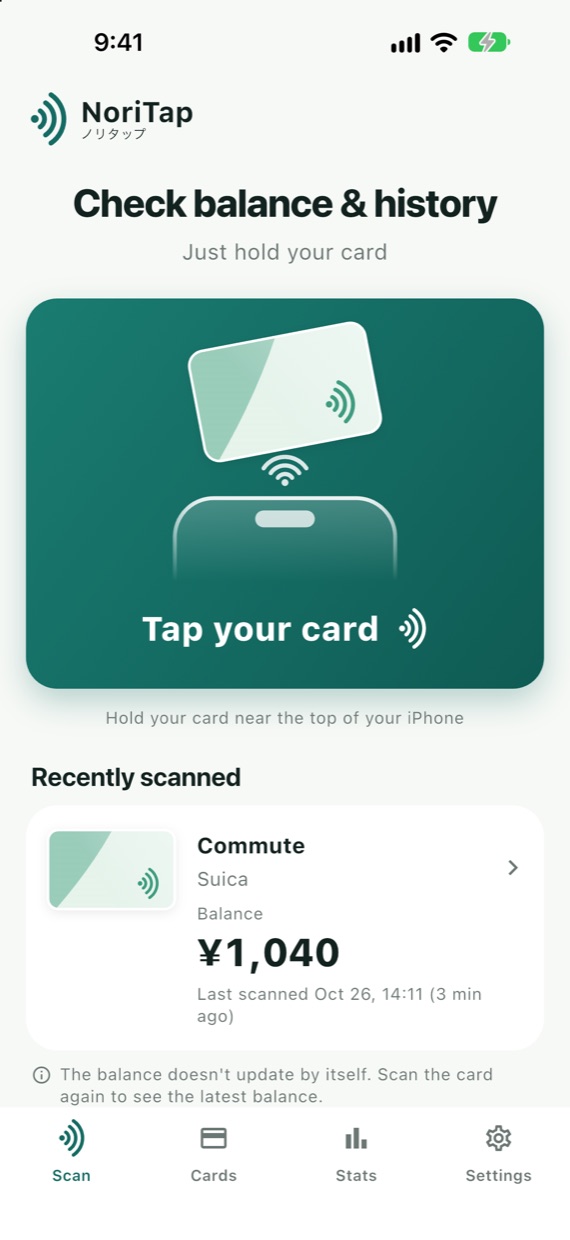
Check your balance with a tap
Hold your card near the top of your iPhone or the back of your Android phone to read its balance and recent history.
History beyond 20 records
Cards keep only about their last 20 records. Each scan adds just the new ones, skips duplicates, and marks any period that is missing.
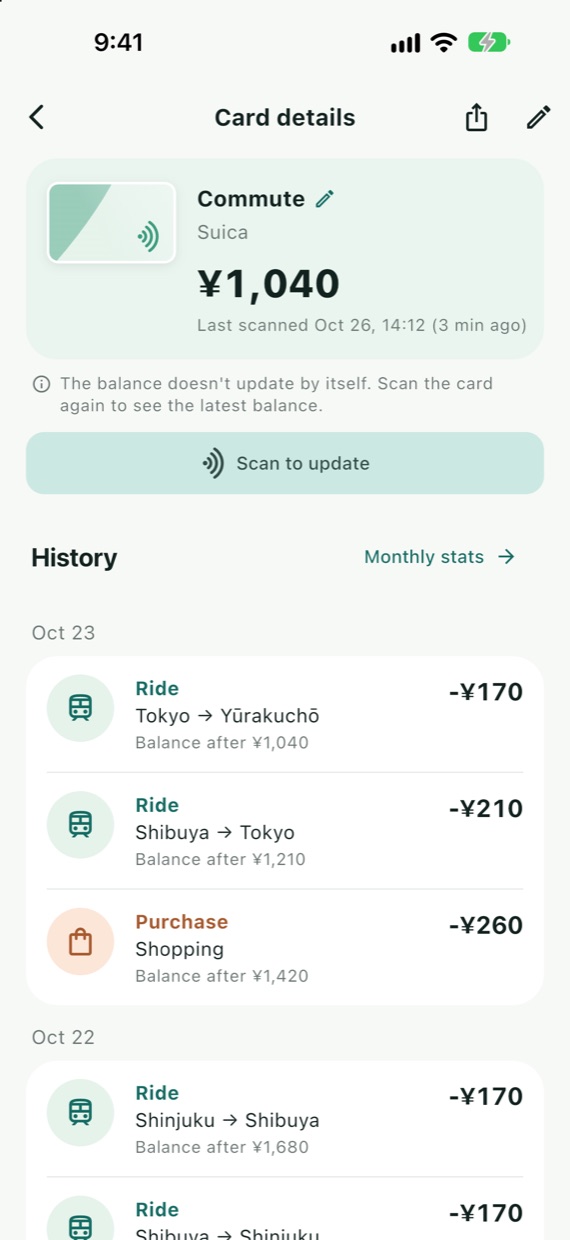
Rides with station names
Rides, purchases and charges are listed by type, and rides show their entry and exit stations.
Monthly fares
See each month's fares and purchases at a glance.
Export to Excel
Export history, cards and monthly stats as an .xlsx file, handy for expense reports and commuting allowances.
All your cards in one place
Commute, family, travel: give each card its own name and color.
Inside the app
Tap your card to read it
History with station names
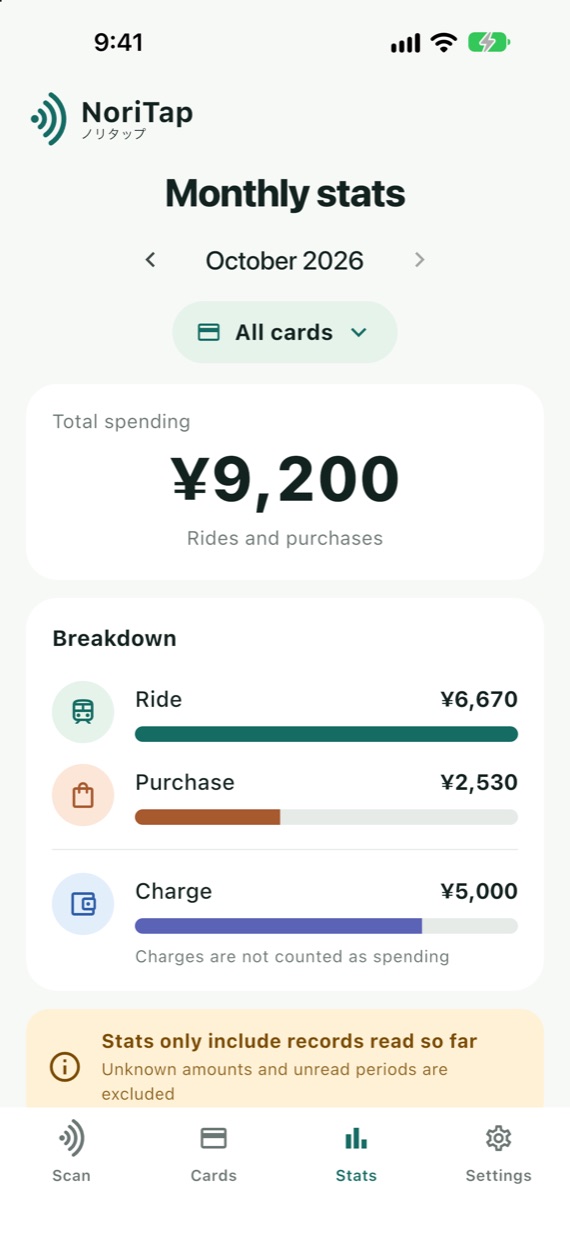
Monthly fares and purchases
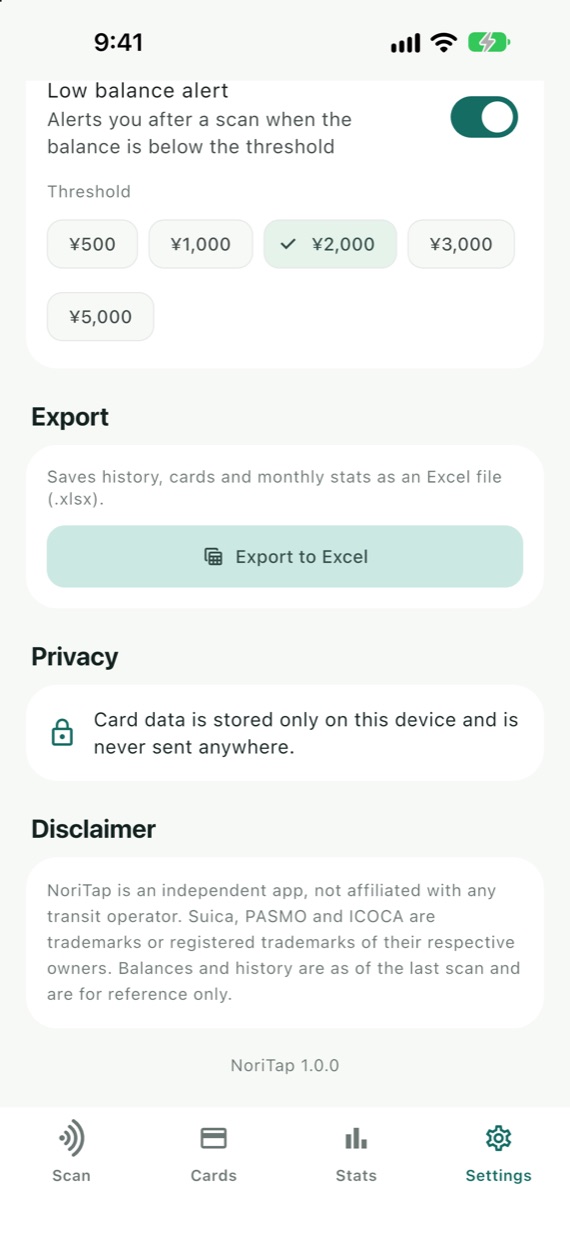
Export to Excel
Your data stays on this device.
No account, no ads, no analytics. Card data is never sent over the internet; it is stored only on this device.
Read the privacy policy →Before you start
- Requires an iPhone or Android phone with NFC.
- NoriTap reads physical transit IC cards. It cannot read mobile cards stored in your phone's wallet.
- The balance does not update by itself. Scan the card again to see the latest balance.
- Cards keep only about their last 20 records, so older history cannot be shown.
- Station names cover the stations of major railways. Some newer stations appear as codes.